Build assessments that capture real evidence the first time
The Nytro assessment builder lets an RTO build assessments with knowledge questions, observation checklists, photos, signatures and GPS, so evidence is captured…
Nytro checks an assessment tool or learner guide against its unit, requirement by requirement, with the reasoning and citations shown. The sign-off stays yours.
Review an entire unit in minutes, not days. Every requirement, its status and the reasoning, in one report you can sign off.
Assessment tools and learner guides, all checked the same way, with the reasoning shown and your sign-off on record.
When a tool is new, changed or bought in, see every requirement of the unit marked compliant, partial or missing, mapped to the unit from training.gov.au.
Every requirement gets a status, the reasoning behind it and the citations, plus Smart Questions and Benchmark Answers columns to help you strengthen the tool.
Check a guide when it is written, changed or bought in, including versions contextualised for different industries and cohorts, against the same unit in the same way.
You make the call. In your Nytro account a report can be signed off and locked, and each assessment tool is recorded with its version and review details.
No account needed to start. Run one resource you already have doubts about and see the report for yourself.
01
Pick the unit from training.gov.au and add the assessment tool or learner guide you want checked.
02
Every requirement is marked compliant, partial or missing, with the reasoning and citations shown.
03
Use the report to strengthen the resource, then sign it off and lock it in your Nytro account.
Put in your own numbers to compare what validating your units by hand costs your team with running the same units through Nytro.
The starting figures are examples only. Change them to match your RTO. With Nytro we allow 15 minutes of your staff time per validation to review the report and sign off. Fees use the prices in the pricing table: $249 per five validations, $75 for each one over.
Pay per validation, or book a meeting to talk through the LMS.
01.
1 Validation
/validation
Run a single assessment tool through validation against the unit requirements.
INCLUDES:
IDEAL FOR:
Checking one assessment tool before you commit to anything.
02.
5 Validations
/5 validations
Validate five assessment tools for less per validation.
INCLUDES:
IDEAL FOR:
Teams validating a full qualification.
03.
Nytro LMS
See the LMS in action and find the right fit for your RTO.
INCLUDES:
IDEAL FOR:
RTOs that want validation and delivery running in one place.
Book a free demo and we will help you get set up, whichever option you pick.
The Nytro assessment builder lets an RTO build assessments with knowledge questions, observation checklists, photos, signatures and GPS, so evidence is captured…
The Nytro assessor workspace puts an RTO assessor's learner responses, evidence, benchmarks and feedback on one screen. AI assisted marking cross-references each…
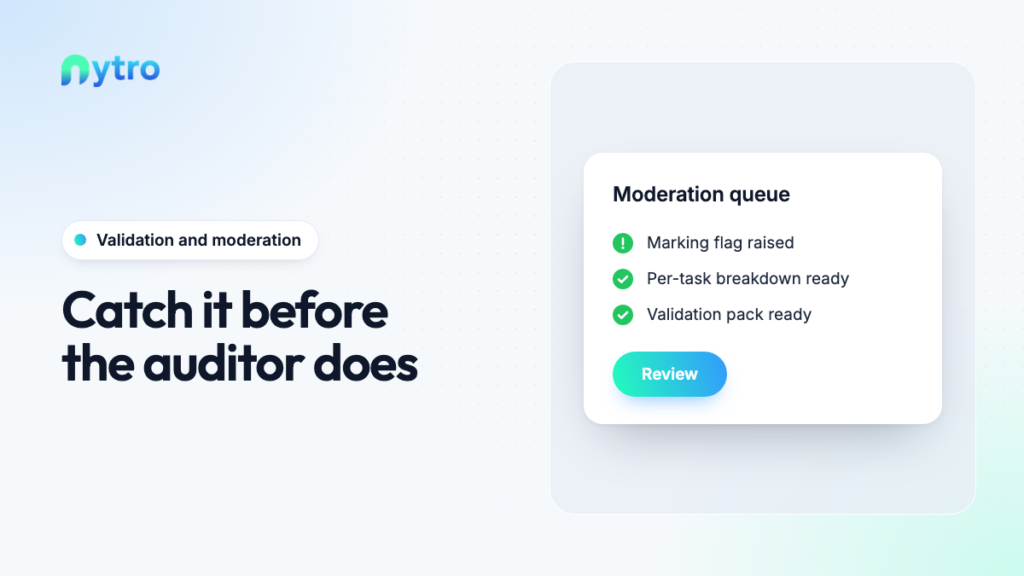
Nytro quality and moderation gives an RTO AI-assisted marking flags, per-task breakdowns, moderation queues and validation packs, drawn from the same records…
Nytro's RTO CRM takes every enquiry from first contact to enrolled learner on one record, built for Registered Training Organisations that lose…
Nytro's RTO learner portal gives learners in a Registered Training Organisation one place for courses, assessments, study plans, logbooks and certificates. Many…
Nytro's AVETMISS reporting software runs RTO compliance and administration inside the same platform that captures learner data from enquiry to certificate. Most…
The Nytro Validation Tool checks an assessment tool or learner guide against the unit it covers, requirement by requirement. Each requirement is marked compliant, partial or missing, with the reasoning and citations shown so you can test every call.
It gives the check before release a structure of its own, instead of relying on emails, shared drives and whoever has spare hours. We built it after more than 20 years working in the RTO space.
Every requirement of the unit, its status, the reasoning behind that status and the citations. The report also carries Smart Questions and Benchmark Answers columns to help you strengthen the tool.
Once you have reviewed it, the report can be signed off and locked in your Nytro account, and the assessment tool is recorded with its version and review details.
No. Nytro does the structured checking and shows its working. The decision stays with your team, and formal validation stays with credentialled people.
Nothing is signed off until you sign it off.
Units are pulled from training.gov.au, and each validation is mapped to that unit's requirements. If the unit you need is not in our system yet, our team will source and load it.
No. You can run a single validation with no account needed to get started, and keep the report on file.
If you validate regularly, validation packs bring the cost per validation down, and an account lets you sign off, lock and keep version records for every tool.
The Validation Tool works on its own. If you want validation and delivery running in one place, the Nytro LMS brings it together with assessment building, marking, learner delivery, CRM and compliance reporting, as one end-to-end platform for your RTO.